Introduction to WPF and Windows Forms
In C#, there are two main GUI frameworks: Windows Forms (WinForms) and Windows Presentation Foundation (WPF). Both frameworks allow you to create rich desktop applications, but they differ in architecture, control flexibility, UI rendering, and event handling.
Windows Forms (WinForms)
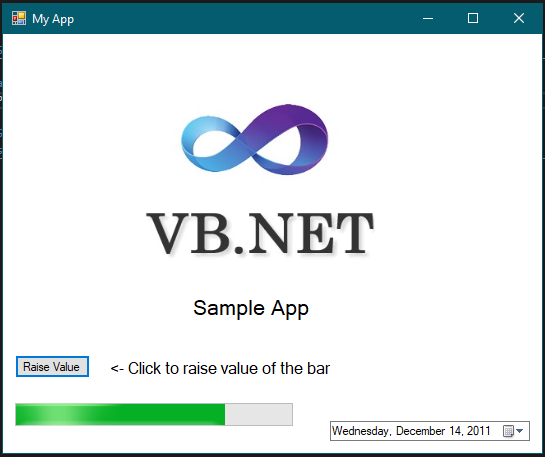
WinForms is a classic GUI toolkit for building Windows desktop apps. It follows a straightforward event-driven model and is great for quick and simple applications.
Common WinForms Controls
- Button: A clickable button.
- Label: Displays text.
- TextBox: User input box.
- ComboBox: Dropdown list.
- ListBox: List of items.
- CheckBox: Check/uncheck box.
- RadioButton: Select one option in a group.
- Panel: Container for grouping controls.
Example: WinForms Button
using System;
using System.Windows.Forms;

class Program
{
    static void Main()
    {
        Application.EnableVisualStyles();
        Application.SetCompatibleTextRenderingDefault(false);
        Application.Run(new MyForm());
    }
}

class MyForm : Form
{
    public MyForm()
    {
        Button button = new Button();
        button.Text = "Click Me!";
        button.Click += Button_Click;
        Controls.Add(button);
    }

    private void Button_Click(object sender, EventArgs e)
    {
        MessageBox.Show("Button clicked!");
    }
}
This code creates a simple WinForms app with a button. When clicked, it shows a message box via the Click event.
Windows Presentation Foundation (WPF)
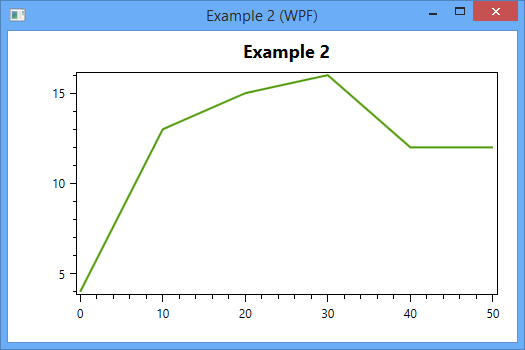
WPF is a modern framework using vector graphics, rich data binding, and advanced UI capabilities. It's more powerful but also more complex than WinForms.
Common WPF Controls
- Button: Clickable button.
- TextBox: Text input.
- Label: Displays text.
- ComboBox: Dropdown list.
- ListBox: List of items.
- CheckBox: Check/uncheck box.
- RadioButton: Select one option in a group.
- Grid: Flexible layout container.
- Canvas: Custom drawing surface.
Example: WPF Button (XAML)
<Window x:Class="WpfApp.MainWindow"
        xmlns="http://schemas.microsoft.com/winfx/2006/xaml/presentation"
        xmlns:x="http://schemas.microsoft.com/winfx/2006/xaml"
        Title="WPF Button Example" Height="350" Width="525">
    <Grid>
        <Button Content="Click Me!" HorizontalAlignment="Center" VerticalAlignment="Center" Click="Button_Click"/>
    </Grid>
</Window>
In this XAML code, a button is centered in a Grid layout. The Click event connects to a method in the code-behind file, typically in C#.
Comparison: WinForms vs. WPF
- WinForms is faster and easier for basic apps.
- WPF offers more powerful UI features but has a steeper learning curve.